SpecTree: A New Requirements Editor to Replace Word and Google Docs
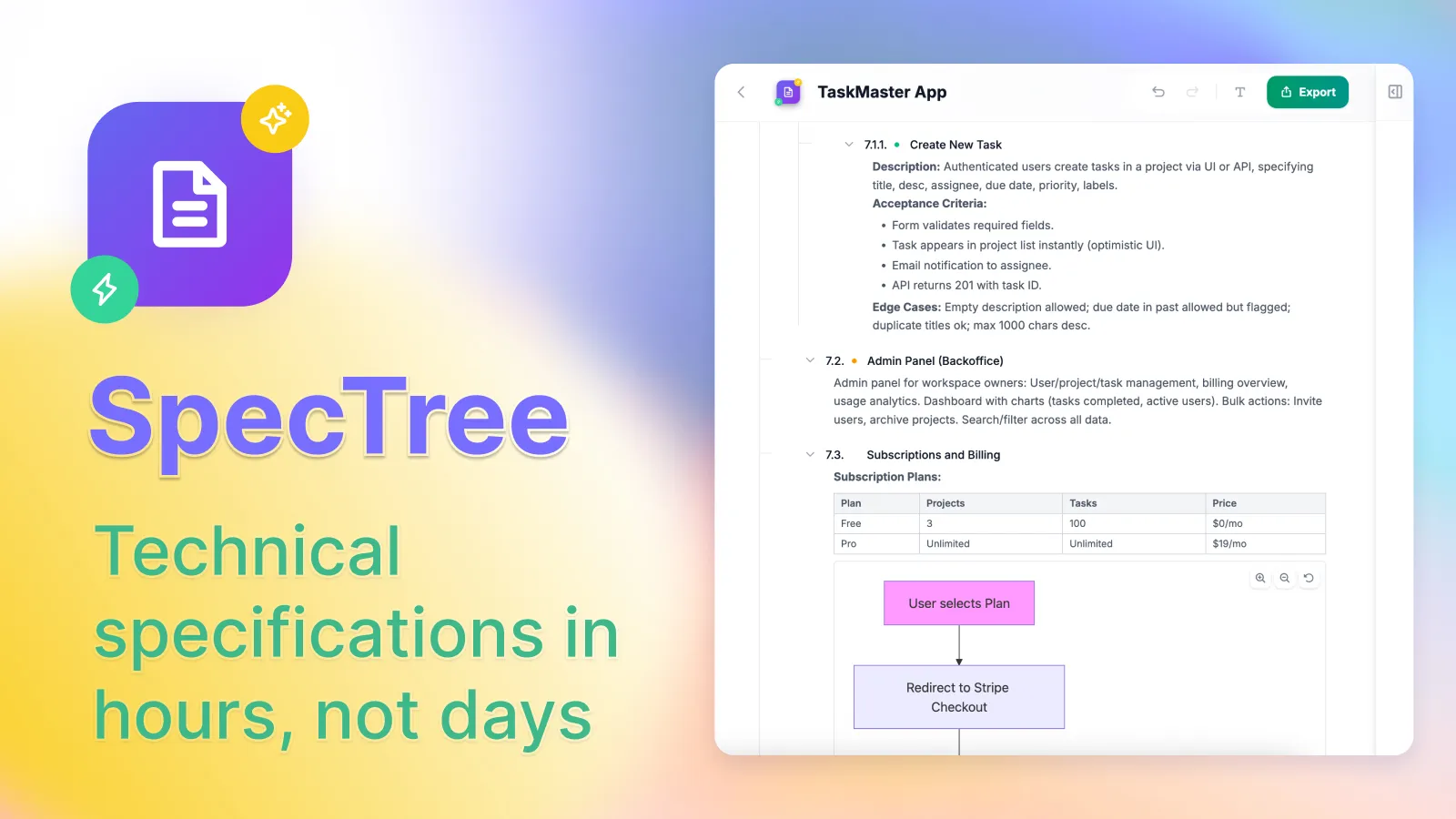
We're excited to announce the launch of our new project, SpecTree, which is now available in Public Preview. It's a specialized editor designed specifically for writing Software Requirements Specifications (SRS).
The Problem with Traditional Documents
If you've ever had to write a technical spec, you know it's a long, tedious process. The bigger the document gets, the harder it is to keep everything updated and track all the dependencies. Word and Google Docs just aren't built for this kind of structured, interconnected work.
When ChatGPT, Gemini, and other LLMs came out, we thought the problem was solved—the machine would just write the massive documents for us. But the reality is a bit different. If you've tried writing a long document with AI, you've probably noticed that when you ask it to tweak a specific section, it often randomly changes something at the beginning of the document too. You end up having to re-read the entire thing just to make sure the AI didn't break anything.
On top of that, LLMs love to summarize. It's hard to get them to expand on a topic; they almost always prefer to condense everything into a single message. So, the tool that was supposed to make things easier actually created more work.
Enter "Vibecoding"
Now, with the rise of "vibecoding" and tools like Claude Code, the need for good specs is bigger than ever.
The best way to use these coding agents is to give them a complete picture of the project so they can plan their work.
But that means suddenly, every developer has to act as a project manager and technical writer.
While building our Archean ecosystem, we hit this exact roadblock: AI coding systems need well-thought-out, structured requirements. We tried a lot of different approaches and realized that the best way is still to write the specs yourself—but using tools that speed up the process by 10x.
That's why we built SpecTree.
How SpecTree Works
SpecTree is a node-based block editor that builds your document as a tree, logically separating one section from another. This lets you work on each part in isolation. You decide how big each block should be, and you can easily drag and drop them around the document.
But the real advantage comes when you bring in the AI assistant.
Because the document is block-based, the AI edits blocks in complete isolation. It literally can't get distracted and rewrite other parts of your document. Plus, the AI doesn't see a giant wall of text—it sees an XML tree. This gives the AI a clear understanding of the document's structure and relationships, which massively improves its accuracy.
It's a tree that makes sense for humans, and a tree that makes sense for AI.
The AI Architect and Assistant
Our AI assistant lives in a dedicated sidebar on the right side of the screen. From there, it can do anything with the tree: create, delete, move, and edit blocks. It knows how to work with software development docs, it can search the web, and it can call in the "AI Architect."
The AI Architect is a specialized agent that actually spends time thinking through your document. It adapts to the complexity of the task and can independently design complex architectures or write highly technical requirements.
Right above the chat sidebar, there's an "Analyze project" button—click it, and the AI Architect will evaluate every single node in your document, flagging the ones that need more work.
You can even work on a complex spec from your phone using just voice input. The AI assistant will take your dictation, fill in the right sections, and generate tables and Mermaid diagrams.
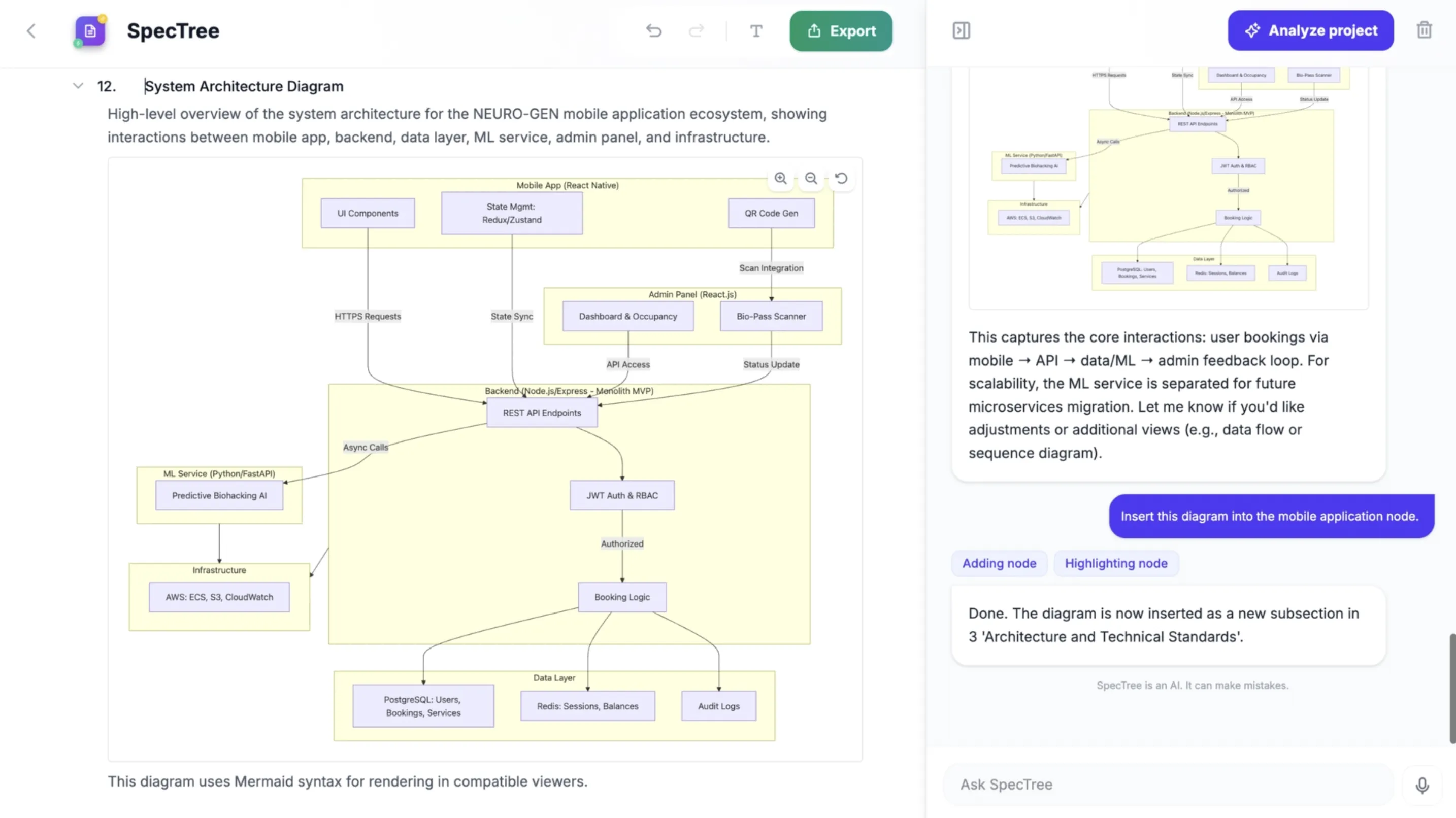 Mermaid diagrams generated by AI assistant.
And if the AI makes a mistake (or you just change your mind), the last 100 actions are saved in history, so you can always roll back.
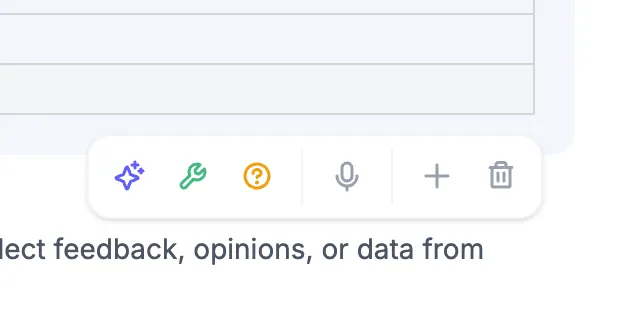
Context menu for each node: format, elaborate, ask questions, dictate, add or delete.
At the node level, you get three useful modes:
- Format: Instantly turns dictated or messy text into a clean, readable section.
- Elaborate: The AI Architect fleshes out the details of a specific node using the context of the whole document.
- What's missing?: The AI asks leading questions to make sure you haven't forgotten anything important or missed any edge cases.
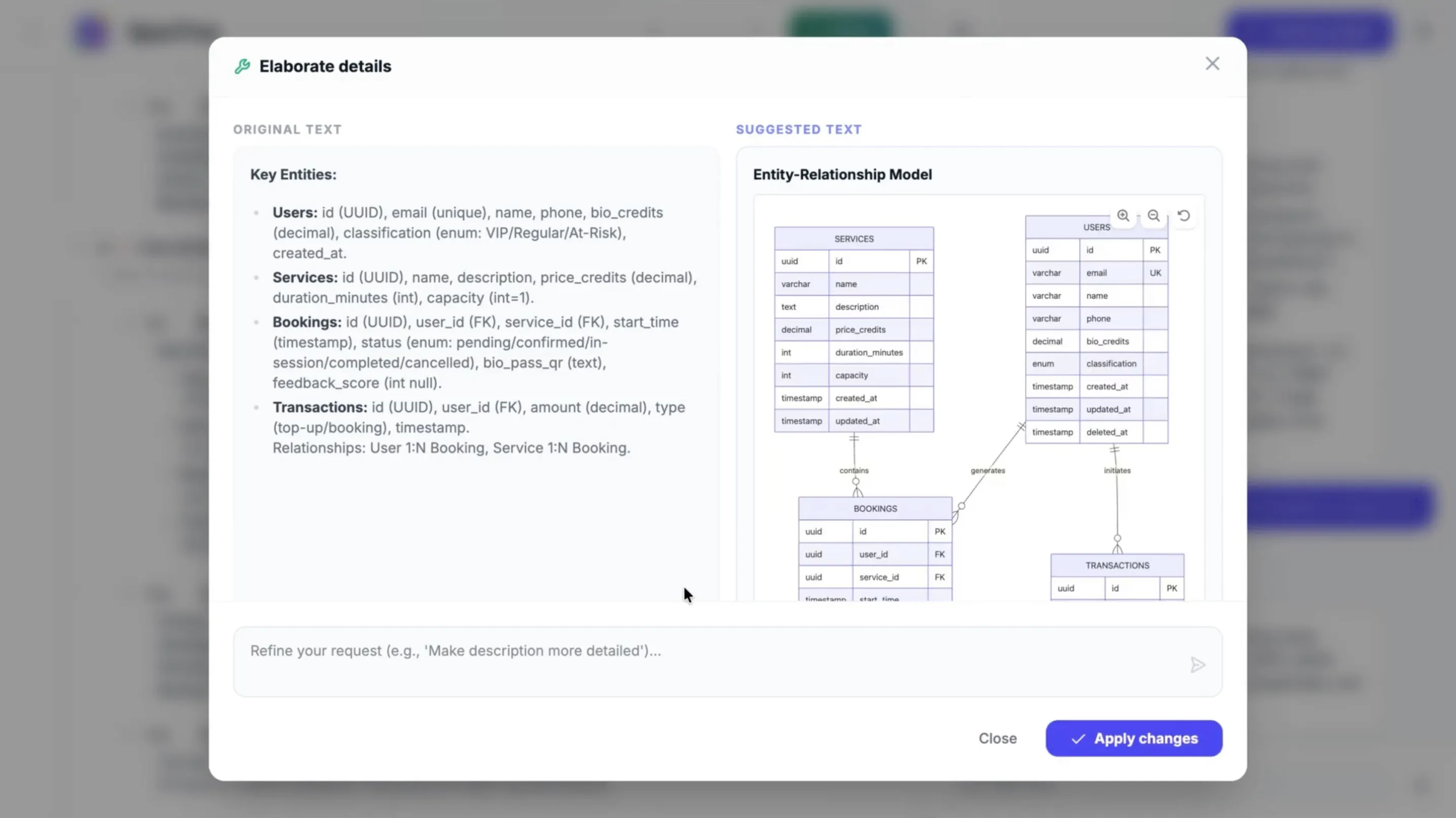 Elaborate mode: AI Architect expands your requirements with full context.
In our experience, SpecTree lets you write a spec in a couple of hours that used to take several days.
Exports and What's Next
Right now, you can export your tree as XML or Markdown—both of which are perfect for vibecoding with your favorite AI agent. You can also export PDFs and DOCX files to share with your team or drop into Google Docs.
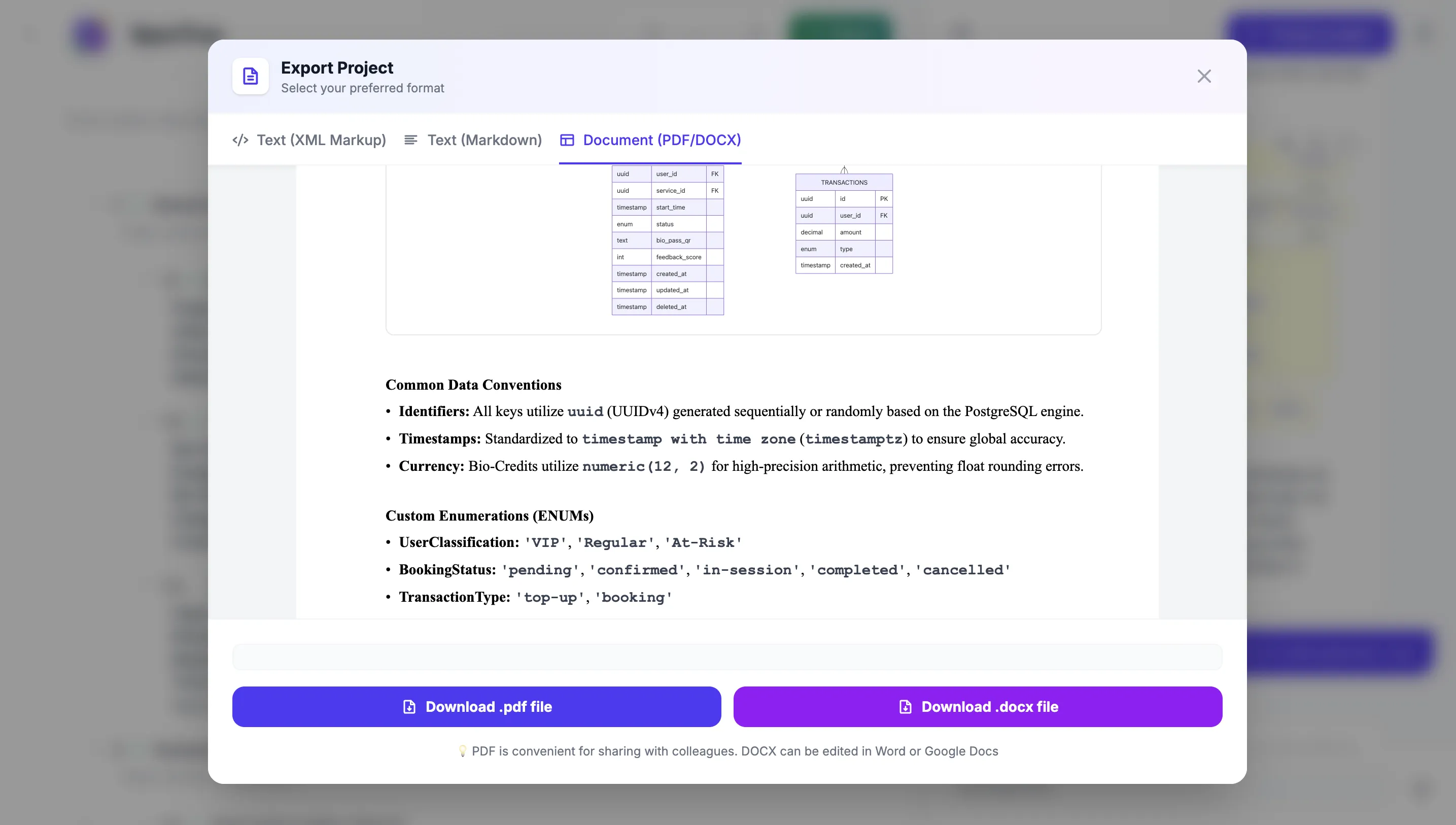 Export your spec to DOCX for sharing with your team.
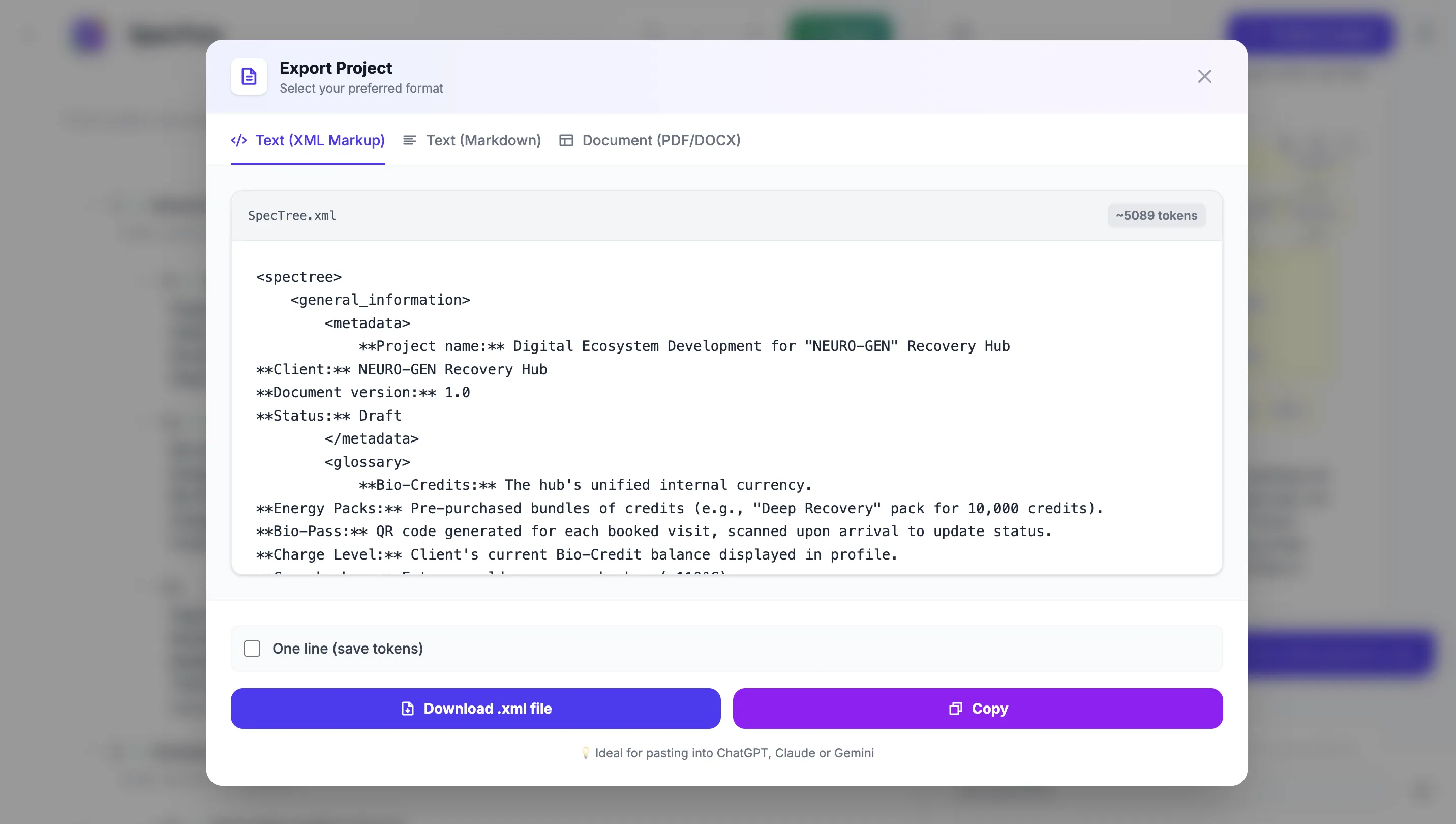 XML export: perfect for AI agents and vibecoding.
We built SpecTree as part of the Archean ecosystem. In the future, Archean will be able to use the SpecTree API to write its own specs before it starts coding. We're also planning to release an API and an MCP server, so you can plug SpecTree directly into Claude Code, Cursor, or any other AI-powered IDE.
SpecTree is a brand new product in Public Preview. It's completely free to use—including all AI features. We want to gather your feedback and build something that truly fits your workflow. All your data is stored locally on your machine.
Give it a try and let us know what you think! We're exploring ideas like custom templates tailored to specific workflows, team collaboration features, and more. Your feedback will help shape what we build next.
Learn more about SpecTree on the project page or watch our video tutorials on YouTube.